


Product details
Make reviewing multiplying and dividing decimals fun and interactive with this Jeopardy-style math game for 5th grade! Designed to boost engagement and reduce test prep stress, this Review Bowl helps students practice key skills — multiplying decimals by whole numbers, multiplying decimals by decimals, multiplying and dividing by powers of 10, dividing decimals by whole numbers, and dividing decimals by decimals — all while having a blast. Perfect for end-of-unit review, year-end practice, or building confidence before a test.
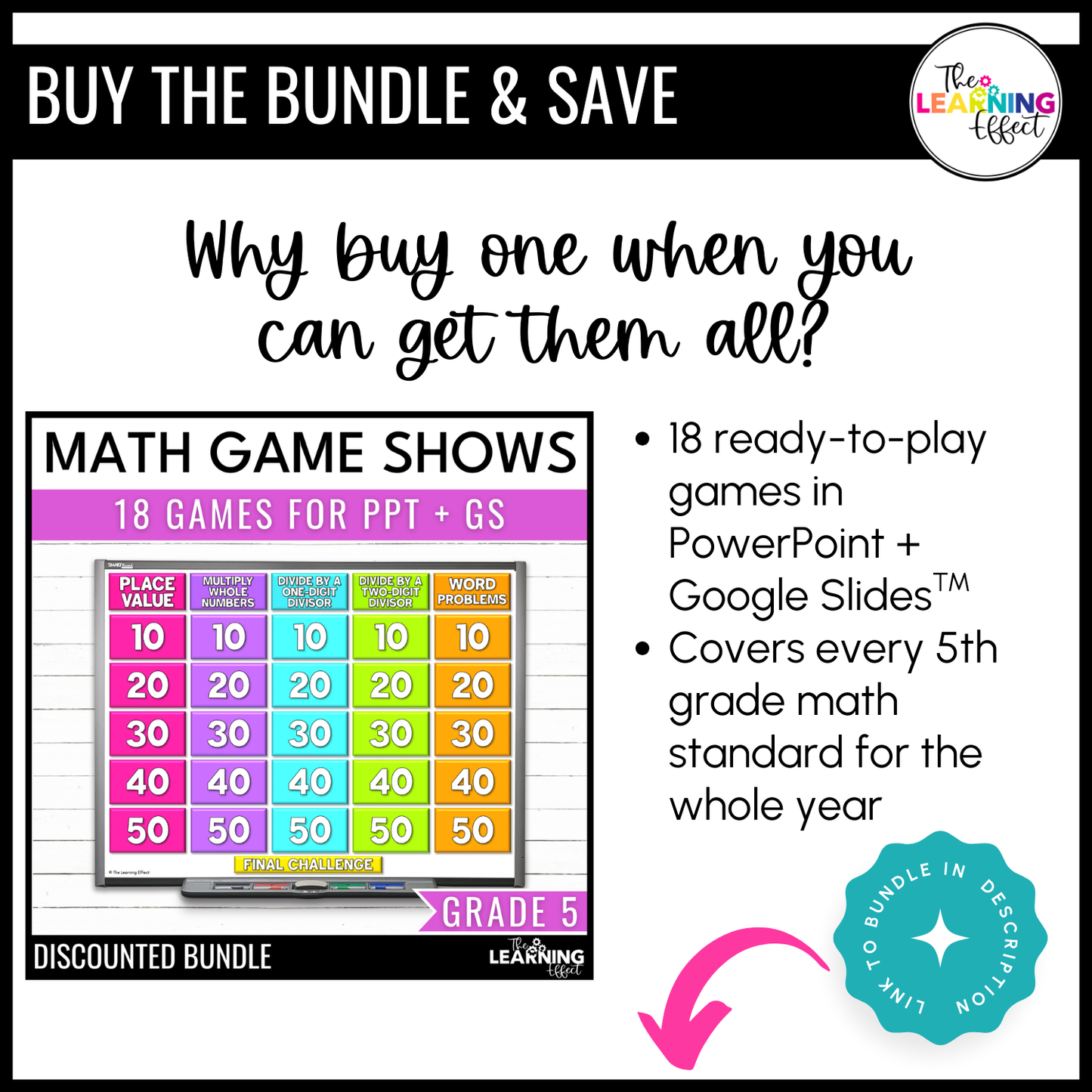
⭐ Want the best value? Grab the 5th Grade Review Bowl Bundle! It includes 18 game shows covering every 5th grade math standard - an entire year of review games in one discounted bundle.
WHY TEACHERS LOVE THESE GAMES
- Engaging Format – Students love the game-show style and beg to play again.
- Quick & Easy Setup – Just open and play - minimal prep required.
- Whole-Class Participation – Every student is involved, not just the ones in the hot seat.
- Perfect for Test Prep – Review the exact skills students need in a format they enjoy.
GAME FEATURES & WHAT'S INCLUDED
- Interactive Game Board – Clickable categories with fading values in PowerPoint (Google Slides version includes a tracker).
- 26 Questions Total – 5 categories × 5 questions each, plus a final challenge.
- Linked Answer Slides – Instantly reveal correct answers to keep the pace moving.
- Printable Answer Key – Quick reference so you can focus on teaching.
- Team Labels – Easy scorekeeping for smooth gameplay.
- Editable Files – Customize questions in PowerPoint or Google Slides to fit your class.
- Step-by-Step Instructions – Clear guidelines for setup and gameplay.
WAYS TO PLAY
- Whole Class – Teams compete while everyone solves on whiteboards.
- Virtual Learning – Share your screen for online play.
- Small Groups – Use in centers for peer-to-peer review.
- Independent Play – Students test themselves for extra practice.
- Learning Stations – Rotate through for meaningful skill review.
INCLUDED IN THESE BUNDLES
- 5th Grade Math Decimals Game Shows Bundle
- 5th Grade Math Game Show Bundle | All Standards
- Upper Elementary Math Game Show Bundle | All Standards
INCLUDED FILE FORMATS
- Zipped Files: This resource includes more than one file and is zipped. You will need to unzip the file to access the resources.
- PDF: This resource requires Adobe Reader (free software). The contents may not show correctly if using other PDF software.
- PowerPoint: This resource requires PowerPoint software installed on a PC or Mac. If you do not have PowerPoint, you can use the Google Slides version.
- Google Slides: To access the Google Slides version, you need to have a (free) Google account. The included PDF contains a link to access the digital resource.
© The Learning Effect, LLC | Tiffany Schmidt
All rights reserved.
Permission to copy for single classroom use only. Purchase additional licenses at a discounted rate for multiple users. Intended for classroom and personal use only.

