


Product details
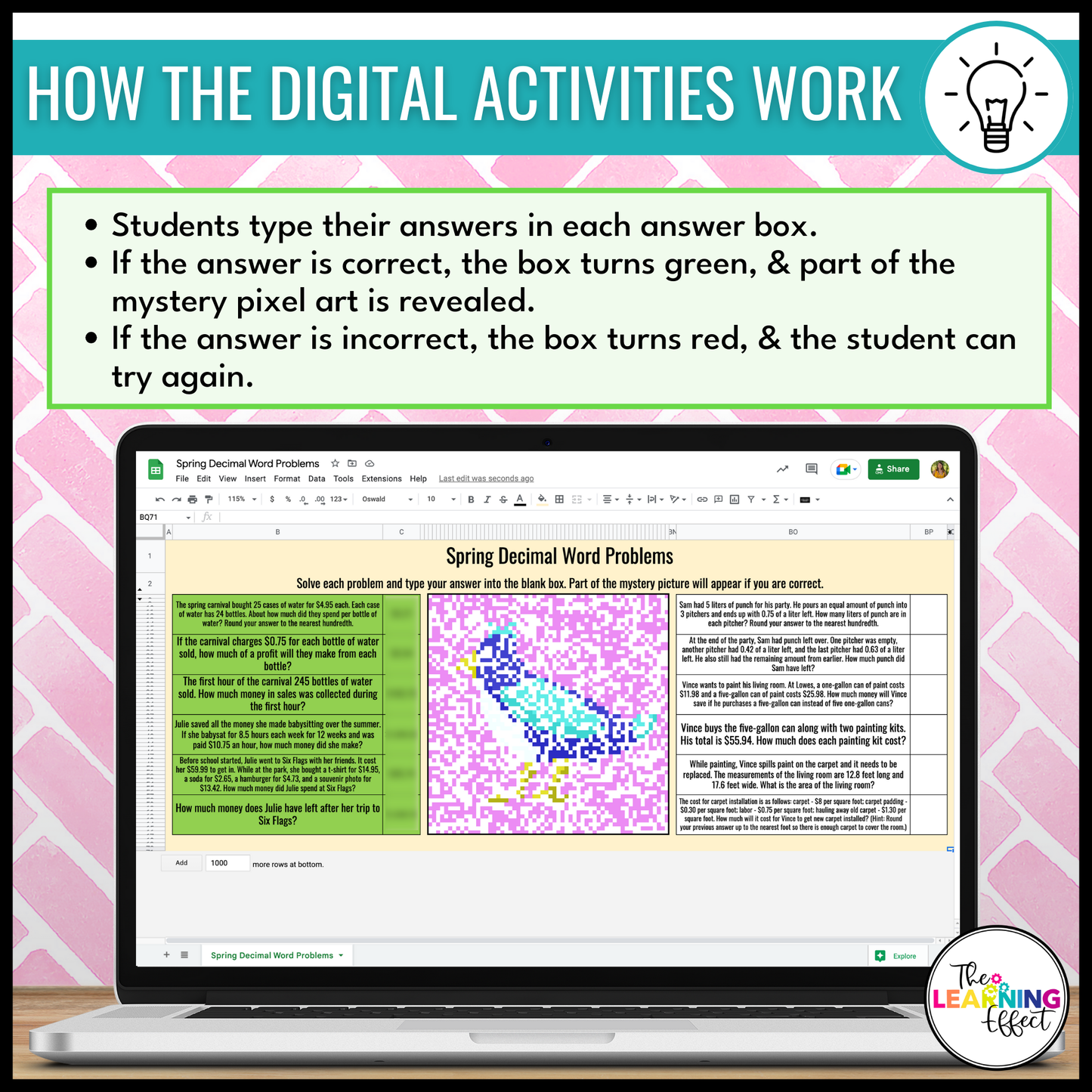
Engage your students with this interactive way to practice word problems. These self-checking Digital Pixel Art Activities for Google Sheets make math practice fun while providing instant feedback for students. With spring-themed mystery images, they’re perfect for seasonal math review - whether in the classroom or during digital learning.
WHAT'S INCLUDED
This resource contains four self-checking activities that each focus on a key problem solving skill:
-
Whole Number Word Problems
-
Decimal Word Problems
-
Fraction Word Problems
-
Measurement Word Problems
Each activity includes:
- A Google Sheets file where students input their answers to reveal a mystery pixel picture.
- Answer keys for quick and easy grading.
WAYS TO USE THIS RESOURCE
-
Independent Practice: Great for math centers, early finishers, or fast finishers.
-
Homework: Assign digitally to reinforce skills at home.
-
Sub Plans: A no-prep, student-friendly option for substitute days.
-
Review: Use as a seasonal skill refresher before tests.
-
Spring Fun: Add some digital creativity to your math block during the spring season.
WHY CHOOSE THIS RESOURCE
-
Engaging and Interactive: Students love watching the mystery image appear as they solve.
-
Self-Checking: Built-in feedback helps students correct mistakes on their own.
-
Standards-Aligned: Targets essential word problem skills for 5th and 6th grades.
-
Digital Convenience: Easily integrates into Google Classroom or other learning platforms.
-
Low Prep: Just assign and let students get started.
SUPPLIES NEEDED
- Internet access and student devices with Google Sheets capability.
INCLUDED IN THESE BUNDLES
- Spring Math Activities Color by Number and Pixel Art Bundle
- Holiday Math Color by Number and Pixel Art Bundle
INCLUDED FILE FORMATS
-
PDF: To view and use the PDF file, you’ll need Adobe Reader (a free download). Using other PDF software may cause formatting issues.
-
Google Sheets: Access the Google Sheets files using the links provided in the included PDF. You’ll need a (free) Google account to use this resource.
PLEASE NOTE
⚠️ This resource is not editable.
© The Learning Effect, LLC | Tiffany Schmidt
All rights reserved.
Permission to copy for single classroom use only. Purchase additional licenses at a discounted rate for multiple users. Intended for classroom and personal use only.

